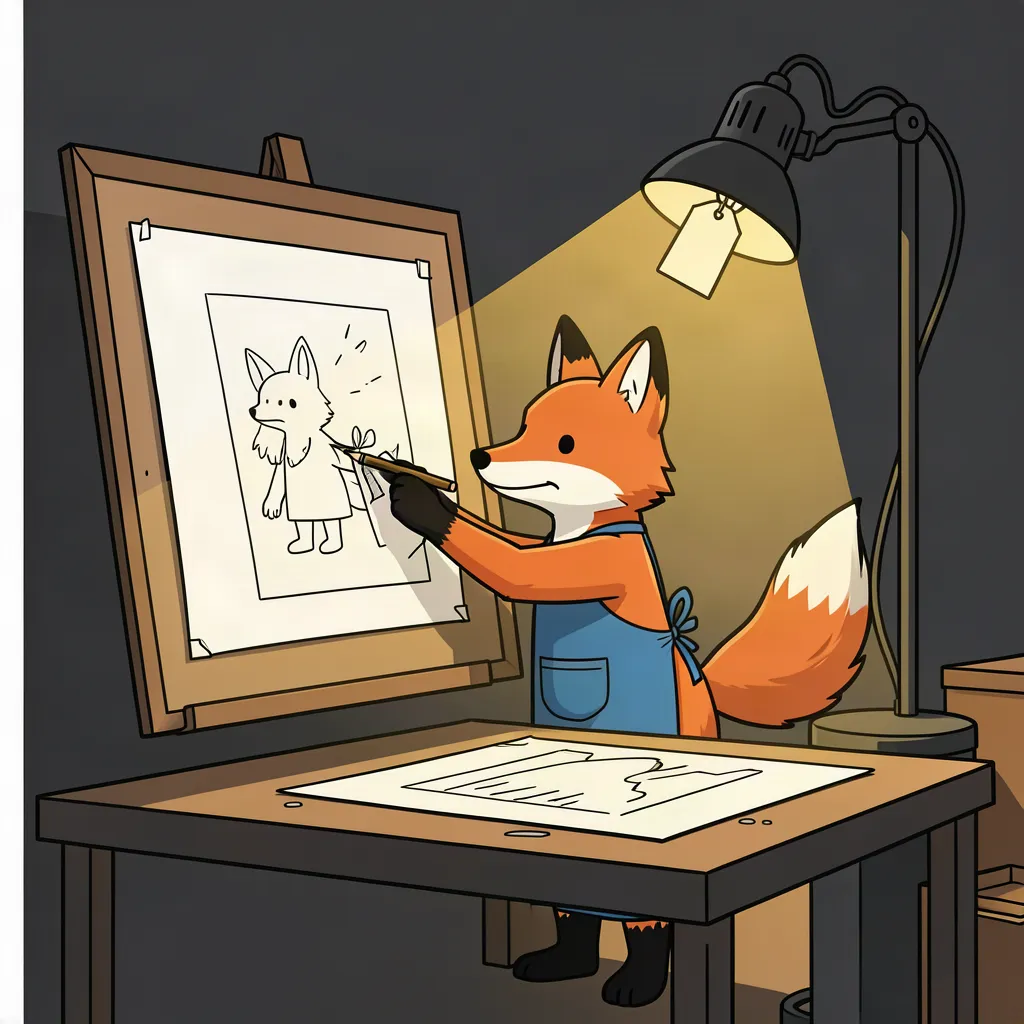
How an artifact is made: from brief to published image

A short illustrated walkthrough of how a platform artifact goes from brief to published image, with an FAQ and a comparison against hand-made images.

2 min read By Platform Documentation Guide #Publishing
A short illustrated walkthrough of how a platform artifact goes from brief to published image, with an FAQ and a comparison against hand-made images.

An artifact in four panels

An artifact is any file the platform produces or stores for an article: an image, a captioned panel, a PDF. Each one is created from a written brief, measured against the site's visual rules, and stored under the article's own request id, so it can always be traced back to the decision that produced it.
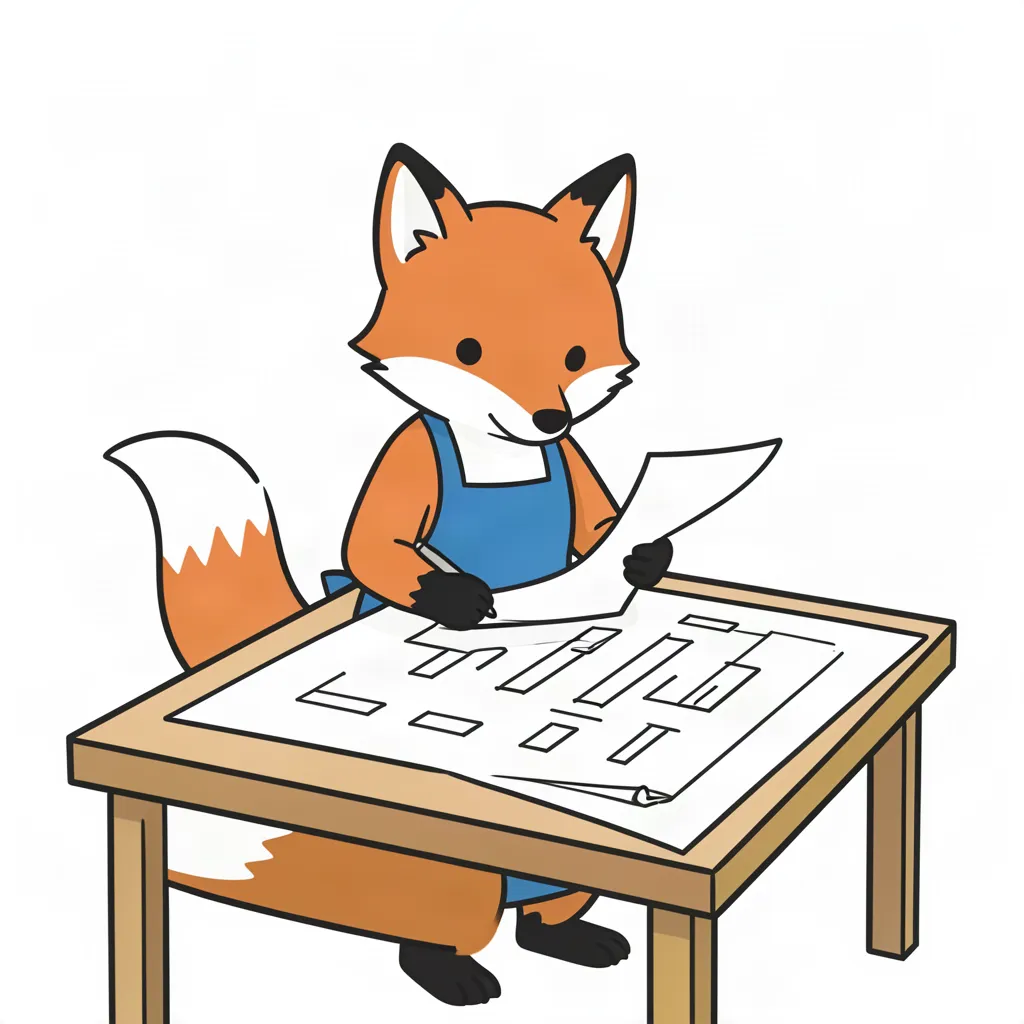
A small orange fox in a blue apron reads a brief at a drafting table, with slots sketched on the table.
1. Read the brief
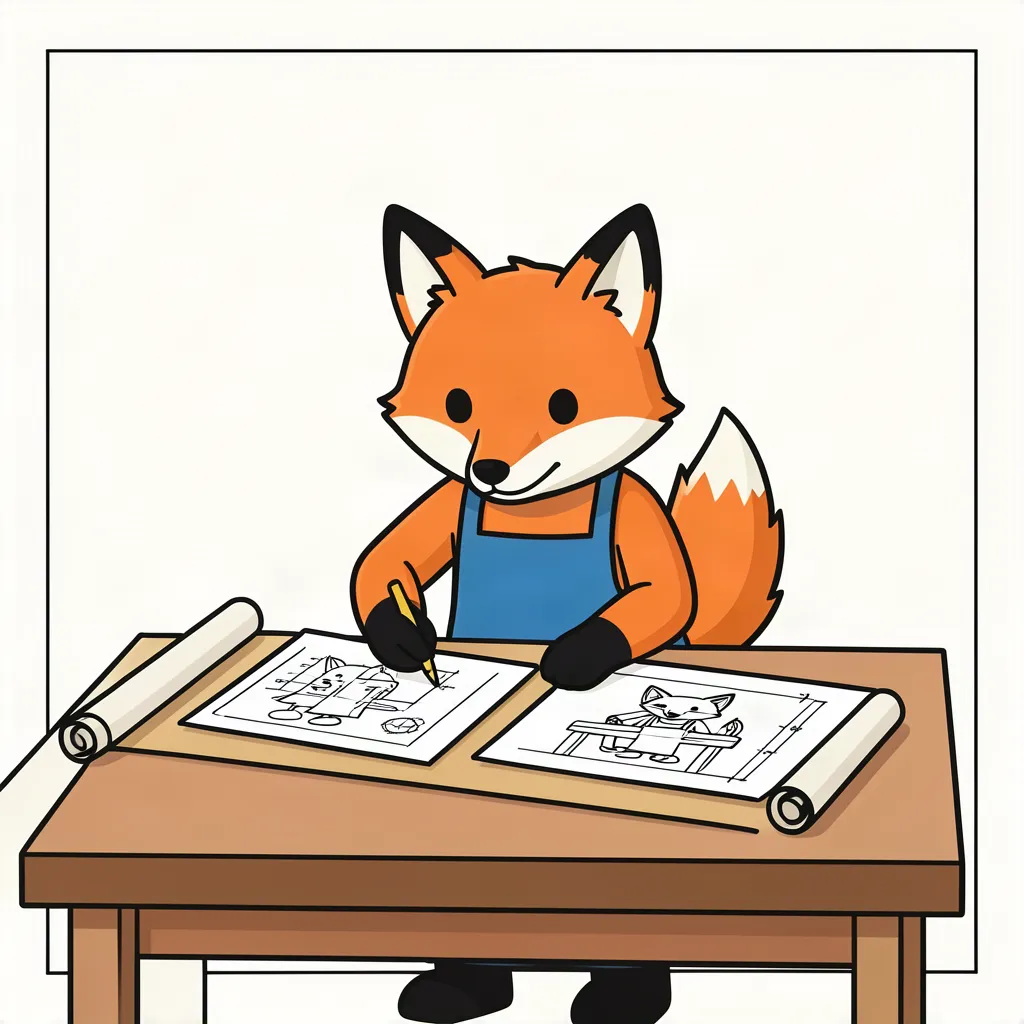
The fox works at the drafting table with two candidate drawings in front of it.
2. Draw candidates
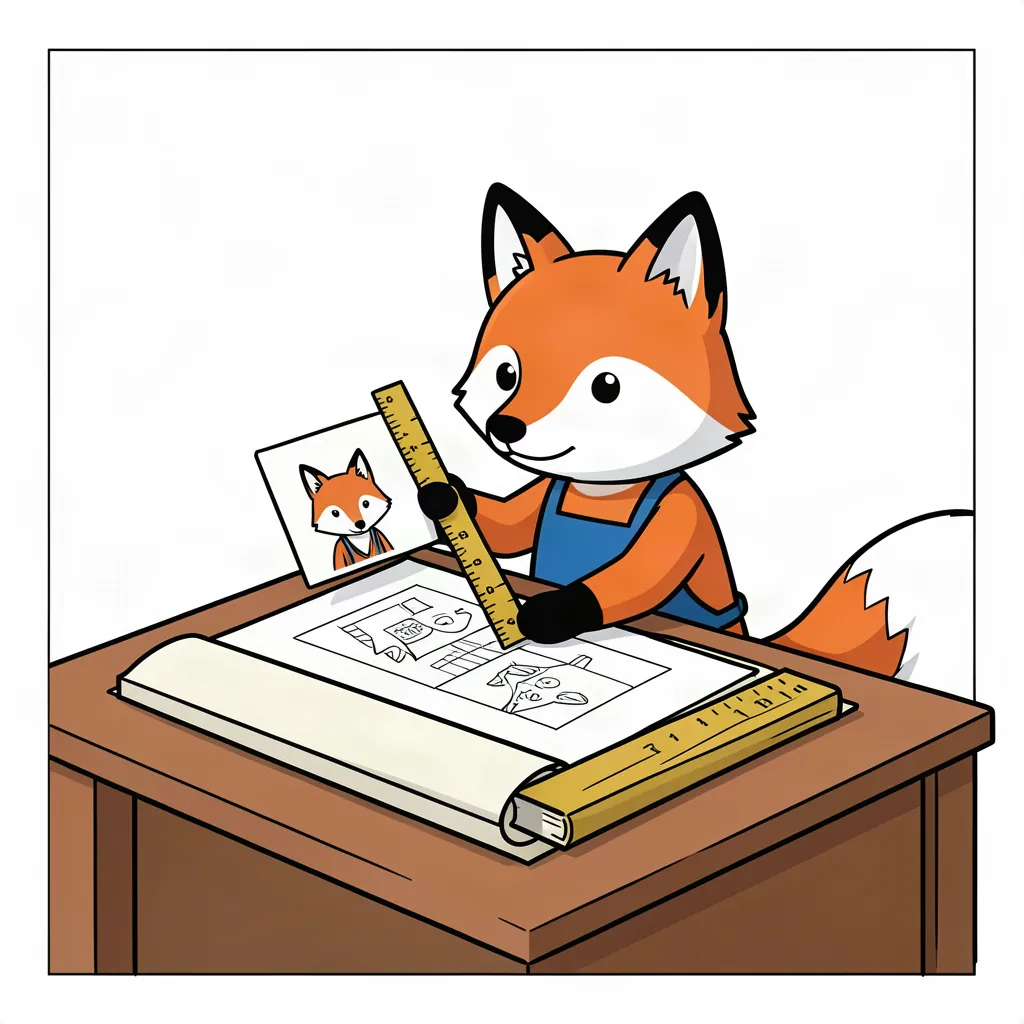
The fox holds a ruler up to a drawing, with a fox-face card used for comparison.
3. Measure against the rules
The fox pins the chosen drawing on a board while a lit lamp with a plain tag switches on.
4. Pin it and go live

The four steps

First, the brief is read and split into image slots. Second, several candidate images are generated for each slot. Third, each candidate is measured: contrast, palette and legibility are checked by deterministic tools, and those measurements outrank a model's opinion when the two disagree. Fourth, the best candidate is stored under the article and referenced by its public address. An article can only point at images stored this way.

Common questions about artifacts

Who decides which candidate wins?

The measurements do. A candidate that fails the contrast, palette or text checks is repaired or dropped before a person ever sees it.

Where is an artifact stored?

Under the article's own request id, so every image can be traced back to the article and the brief that produced it.

Does publishing an article deploy it?

No. Publishing writes the export; a separate release makes it live.

Made artifact or hand-picked image

Made artifactHand-picked image
Traceable to a brief✓—
Measured against house rules✓—
Stored with the article✓Sometimes
Time per imageMinutesVaries

See what the platform can do

Browse the rest of the platform documentation.

Download this article as a PDF

A print-ready copy of this walkthrough, with all four panels, the FAQ and the comparison table.

Download this article as a PDF2d60b035ed41184ad8c6c591b7701b9e853bab4557a0dffd14b570edd7a9c810.pdf · PDF
Back to Library